Welcome to DigiELV
591.62Cr
Saved while purchasing new vehicle*
238,174
New vehicle buyers have benefitted from DigiELV*
163,886Tons
CO2 emissions reduced through scrapping

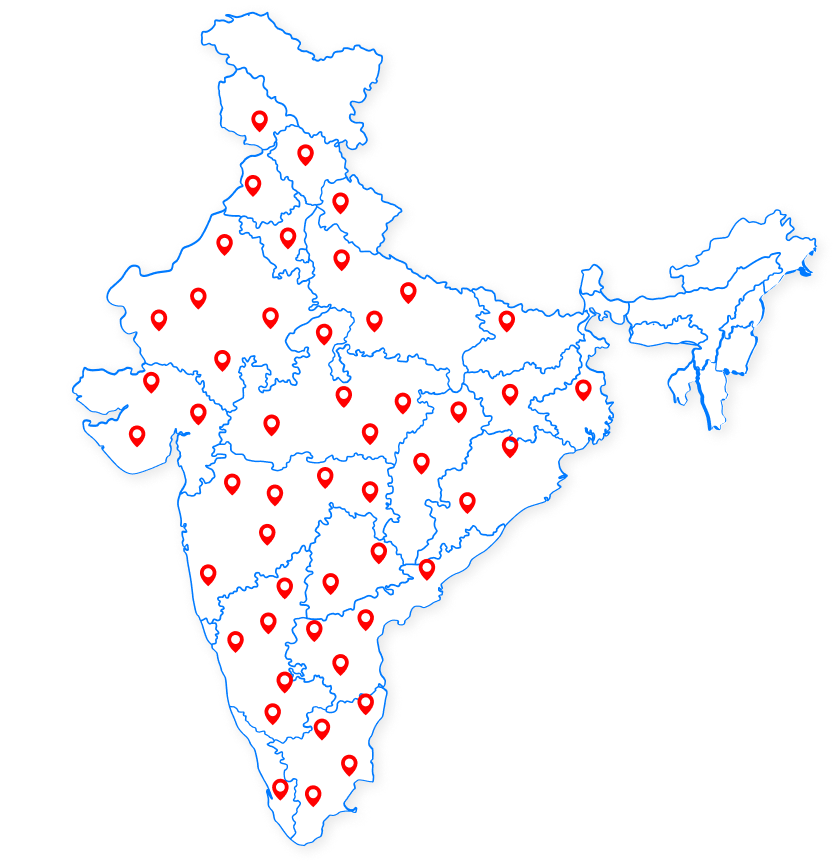
List of Approved & Operational RVSF

RVSF NameRVSF Address
S K ENTERPRISESSahdullahpur Satan,Tola-Imadpur Sultan, , 844102
SRI NEELAYUM PRECOATED STEELPLOT 2798,2799 GHOSWARI ROAD NEAR KAMLESHWARI PRASAD SINGH COLLEGE TEKA BIGHA BAKTIYARPUR., 803202
B.K Construction & CoAt-Khagra,Parbatta,Road No.14,Via Naugachia, 853204
DHIRAJ KUMAR SINGHKHATA 61 KHESHRA 290 CHHAI KHAS, 841428
KNOVEL VENTURES PVT LTDMAHARAJA BREAD FACTORY HAJIPUR INDUSTRIAL AREA, 844102
Start your DigiELV journey

Estimate Your CD-Linked Savings Today

...

Voices from The Ecosystem

Thank you a lot, for your prompt and specific response which is absolutely amazing.

Anand Goyal

I am personally very much thankful to the entire team for trading of COD of my scrapped vehicle. I appreciate their wonderful systems, its benefits and their amazing technical support.
Madhu Damodaran

If someone doesn’t want to buy a new or expensive car, they can still earn good money by selling a CD on the only trading platform – DigiELV And if someone is buying a high-value car, they can get up to 50% concession on road tax by purchasing a CD from the same platform. So, trading in CDs can be very beneficial both ways .

Kailash Sharma

DigiELV FAQs: Certificate of Deposit & Trading

Selling a Certificate of Deposit

Anyone who currently owns a Certificate of Deposit (received from RVSF or through the trading system) can sell before the expiry of CD.

Sellers have to click on the trade button on Vscrap-Vahan portal that will take them to the trading portal digielv.com to sell the CD.

Seller can quote any price from the prevalent minimum price to the maximum price of around Rs.90,000 to sell.

The sell offer will be active for the defined time period. It will expire once the time period elapses. However, he/she can give an offer again to trade. Currently for user convenience the offer validity is kept 7 days.

Sellers can see the buyer offers received on the Sell offer that they have made in “Active CDs”. Sellers can allocate a certificate to the buyer who has put the highest bid.

To sell a CD, 2 steps are required to follow- a. Goto “My Active CDs” and create a sell offer. (Provide bank details to receive money after trade.) b. Goto “My offers for sell”, click on “View Buyers Offer” to check buy offers received and allocate the CD certificate.

Buying a Certificate of Deposit

Buyer needs to visit the trading portal (https://digielv.com)

Buyer can see the sell offers of the certificates in the “View All Offers” screen where he/she can quote their buy price.

In the trading portal, Buyer has to deposit funds to place the buy order as 100% bid margin is required. If the buyer does not have enough funds, they will be redirected to the “Funds Management” screen that will show the available funds and here one can add required funds.

To buy a CD certificate, a. Goto “View All Offers”, choose the CD you want to buy and click on Place Buy Offer to create your buy offer. (If no funds are available, go to Add funds/Ledger and add funds.) b.On allocation from the CD seller, you can check the CD in your ‘Active CDs ’ section.

Account Registration & Login

If a user does not own a CD and wants to buy one, users can click on the “Login/Register”. By entering the basic user details registration can be completed.

If you have initiated the trade from VAHAN portal: The mobile number linked to your vehicle as per VAHAN records, otherwise, you can use your current mobile number to register & log in.

Users having different names in CD certificate and PAN shall raise their registration request Manual registration form. Helpdesk will check the document and if proper, will authorize the registration.

You can raise your registration request at https://digielv.com/manual-register with valid support documents.

After you login in DigiELV, you can find the Raise Request section on the DigiELV platform. Using this section, you can submit your request to change username or mobile number. Our compliance team will check and if they approve, system will change the name or mobile number.

Funds & Payments

All the banking options available here such as UPI, Net Banking, Master card, credit card, Debit card, Visa etc.

A user can withdraw funds directly to their registered bank account via the "Withdraw Funds" option available in the withdrawal section of their DigiELV dashboard.

If a trade is not generated (where reasons could be internet breakage in between of trade) the margin / funds blocked while placing the bid will be released and the funds released can be used to place another bid to buy a CD or can be requested for withdrawal. On withdrawal the money will be remitted in the mentioned bank account in 24 - 48 Hrs.

To withdraw funds go to “Funds Withdrawal” , enter the amount to withdraw. A withdrawal request will be raised, post approval the withdrawal amount will be remitted to your provided bank account.

If the payment is rejected after being made through the QR code, as per payment gateway rules, the deducted amount will be credited back to your account within 72 working hours from the payment gateway company.

Once the trade is completed successfully, the payment will be credited to your registered account between 24 to 48 hours.
View More